

Remove Malware and Protect Your Website: Effective Website Malware Cleanup and Security Strategies
By Mustafa Sharif, Marketania
Malware threatens websites, operations and customer trust. This article gives a practical, evidence-led approach to remove infections and strengthen defences so you can minimise downtime and restore site integrity.
Key Takeaways
- Cleanup options: manual removal, security plugins, or professional services.
- Preventive controls: regular updates, firewalls, and scheduled scans.
- Maintain integrity with backups, strong passwords and 2FA.
- Detect via monitoring, automated scans and user reports.
- Watch for pop-ups, redirects, traffic anomalies and downtime.
- Use reputable antivirus, online scanners and security plugins.
- Follow a safe workflow: backup, scan, remove, harden.
- Professionals offer forensic analysis, complete removal and ongoing support.
- Ongoing security needs audits, backups and staff training.
Cleanup Methods
Start with an assessment to scope the infection, then choose the cleanup path that fits your resources and risk tolerance.
- Manual Cleanup: Inspect files and code for unfamiliar scripts; suitable when you have technical expertise.
- Security Plugins: Automated scanners and cleaners can remove many common infections quickly.
- Professional Services: Engage specialists for complex or persistent compromises to ensure thorough removal and faster recovery.
Use logs and scan evidence to prioritise actions and avoid unnecessary changes.
Security Strategies to Prevent Future Threats
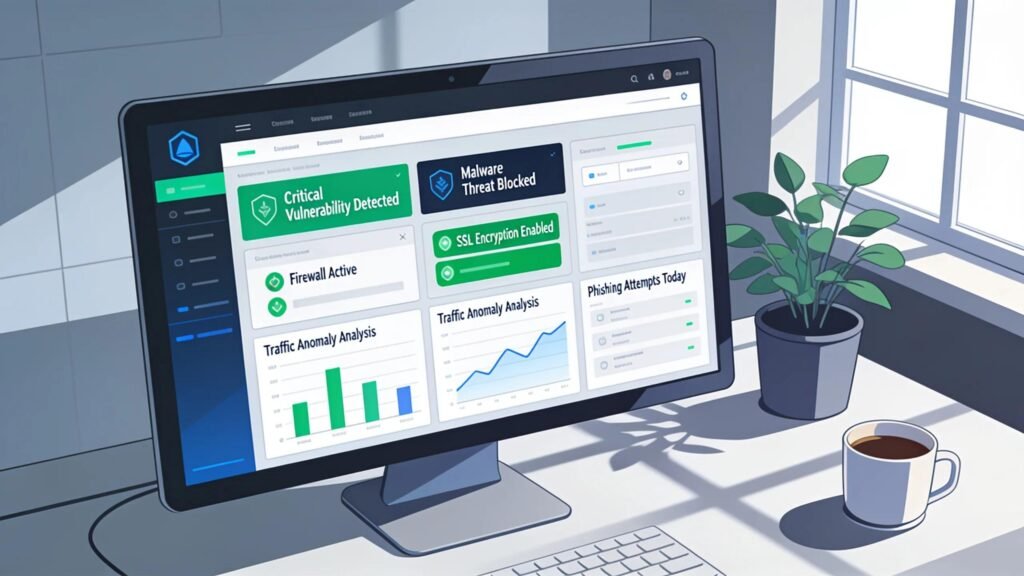
After cleanup, apply layered defences guided by monitoring. Prioritise patching and traffic filtering and keep scanning on a schedule.
- Regular Software Updates: Keep core software, plugins and themes patched.
- Use of Firewalls: Deploy a WAF to filter malicious requests.
- Security Scanning Tools: Run reputable scanners and act on their findings.
Working with a specialist provider such as Marketania can help you operationalise these measures.
Best Practices for Maintaining Website Integrity
Make recoverability and access control routine: enforce backups, limit privileges and require strong authentication.
- Regular Backups: Schedule and verify backups so you can restore a clean state.
- Strong Password Policies: Require unique, complex passwords and encourage password managers.
- Two-Factor Authentication (2FA): Add 2FA for administrative and privileged accounts.
These controls reduce recovery time and operational impact after incidents.
How Do I Detect Malware on My Website Efficiently?
Combine continuous monitoring with automated scans and user reports to detect incidents early and validate findings with multiple signals.
- Site Monitoring Services: Use continuous monitoring to get alerts on suspicious changes.
- Website Scans: Schedule automated file and database scans.
- User Feedback: Treat reports of redirects, slow pages or odd content as a signal to investigate.
Integrate detection into your incident response to speed evidence-based remediation.
What Are Key Signs and Common Types of Website Malware?
Recognise common indicators early to contain problems quickly.
- Unexpected Pop-ups: New or persistent pop-ups often indicate compromise.
- Unusual Traffic Patterns: Sudden spikes or drops can signal abuse or hidden scripts.
- Website Crashes: Frequent outages may be caused by malware or injected code.
Monitor these signs and prioritise investigations accordingly.
Which Tools and Methods Provide Reliable Website Virus Scans?
Use multiple reputable tools and cross-check results to reduce false positives and confirm genuine threats.
- Dedicated Antivirus Tools: Use web-focused antivirus for server and file scans.
- Online Scanning Services: Quick checks can identify obvious issues.
- Security Plugins: Built-in scanning in CMS plugins helps with routine checks.
Consistent use and cross-checking improves detection accuracy.
What Are the Best Practices to Remove Malware and Clean Your Website?
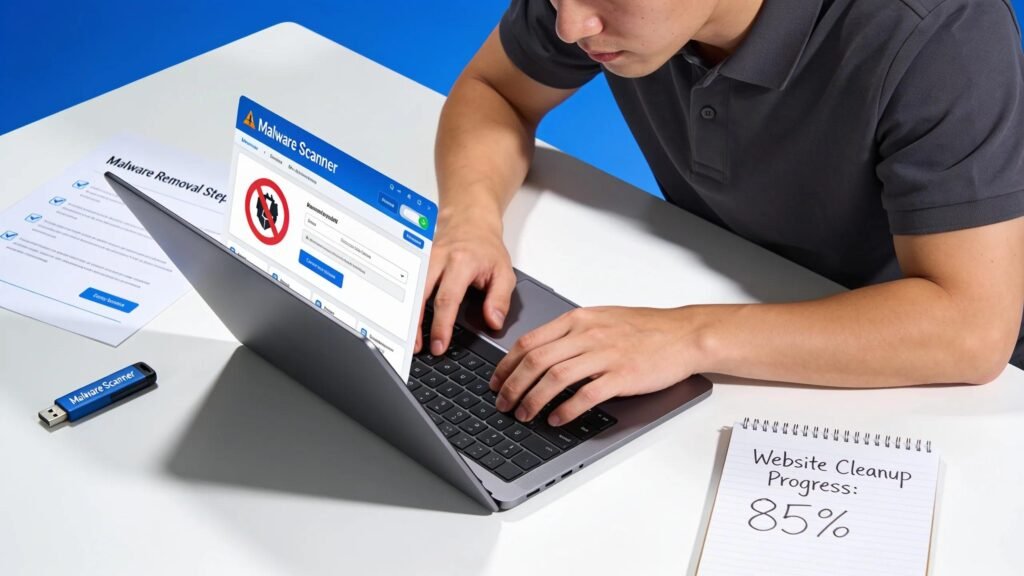
Follow a controlled process to limit data loss and disruption: isolate affected parts, verify removal tools and keep backups current.
- Isolate Infected Files: Quarantine affected files to stop spread.
- Use Trusted Removal Tools: Rely on proven tools or services for removal.
- Conduct a Full Backup: Back up current state before making changes.
These steps increase the chance of a complete, low-risk recovery.
Which Step-by-Step Processes Ensure Safe and Complete Malware Removal?
Adopt a simple workflow: preserve data, scan, remove confirmed threats, then harden systems.
- Backup Your Site: Start with a full backup.
- Scan for Malware: Identify affected files and indicators.
- Remove Threats: Clean or replace infected files using trusted methods.
- Update Your Security Measures: Patch, change credentials and strengthen controls.
Following this order reduces the chance of missed infections.
How Does Professional Malware Removal Service Enhance Site Recovery?
Experts bring forensic skills, specialized tools and processes that accelerate identification and reduce collateral impact.
- Expert Analysis: Professionals find root causes and hidden traces.
- Thorough Removal: They remove persistent or stealthy infections.
- Long-term Support: Many provide monitoring and follow-up to prevent recurrence.
Hiring specialists improves recovery outcomes and resilience.
How Can I Protect My Website From Future Malware Attacks and Hacks?
After an incident, apply proactive measures: timely patching, strict access controls and staff awareness to lower repeat risk.
- Regular Updates and Patches: Keep all components current.
- Limit User Access: Grant the minimum necessary privileges.
- Educate Staff on Cyber Hygiene: Train staff on phishing, passwords and reporting.
These steps make successful attacks less likely.
What Ongoing Digital Security Strategies Prevent Re-infection?
Maintain scheduled audits, automatic backups and continuous training; use audit results to improve controls over time.
- Regular Security Audits: Verify controls and patch gaps.
- Continuous Backup Solutions: Automate and test backups regularly.
- Stakeholder Education: Keep teams aware of evolving threats.
Repeatable cycles and vigilance reduce reinfection risk and speed recovery.
How Can Small to Medium-Sized Businesses Optimize Their Website Security Posture?
SMBs should apply pragmatic, cost-effective measures: clear policies, affordable tools and external guidance when needed.
- Adopting Comprehensive Security Policies: Define roles, update processes and enforce controls.
- Utilizing Affordable Security Tools: Choose tools that fit needs and budgets.
- Seeking Expert Consultation: Use consultants for tailored guidance and remediation.
These steps help smaller organisations protect assets without overextending resources.
How Do I Schedule a Malware Removal Consultation and Access Expert Support?
Contact qualified specialists such as Marketania for a structured review, containment guidance and a recovery plan aligned with your priorities.
What Are the Benefits of Personalized Malware Removal Consultations?
Personalised consultations provide focused recommendations, a clear risk assessment and coordinated recovery support.
- Tailored Strategies: Recommendations based on your environment.
- Comprehensive Risk Assessment: Pinpoint weaknesses and remediation paths.
- Enhanced Recovery Support: Ongoing help through recovery and prevention planning.
Tailored advice helps you use resources effectively and reduce repeat incidents.
How to Contact Marketania for Professional Website Cleaning Services?
To reach Marketania and explore their website cleaning services, simply reach out via their email at hello@marketania.com or call +1 (888) 338-8184. You will be connected to skilled professionals who can guide containment, cleanup and prevention.
Frequently Asked Questions
1. What are the potential consequences of malware infection on my website?
Malware can cause data breaches, lost customer trust, financial losses from downtime and search-engine blacklisting. Quick, evidence-based action limits these impacts.
2. How often should I perform security audits on my website?
Audit at least quarterly; increase to monthly for high‑traffic or sensitive sites. Regular audits find weaknesses and validate controls.
3. Can malware affect my SEO rankings?
Yes. Search engines may reduce visibility or blacklist infected sites. Prompt remediation and proven controls help restore rankings.
4. What particular signs should I look for to indicate my website has been compromised?
Look for new pop-ups, unexplained logins, slow performance, redirects or unauthorised content changes. Treat monitoring alerts seriously.
5. Is there a difference between antivirus for personal computers and website security tools?
Yes. Desktop antivirus protects local systems; website security focuses on web‑application and server threats. Use web‑specific tools for online platforms.
6. How can I educate my employees on cybersecurity best practices?
Run regular training, workshops and simulated exercises that cover phishing, password hygiene and incident reporting; reinforce with clear policies.
7. What additional steps can I take if I suspect malware on my site?
If you suspect infection, secure a backup, run comprehensive scans, document findings and consider taking the site offline. Engage professionals for complex cases and strengthen controls afterward.
Conclusion
Effective site protection combines disciplined cleanup, continuous monitoring and staff awareness. Implement repeatable processes and consider tailored malware removal and protection services to restore confidence and reduce future risk.