


Mobile-Friendly Website Design: Ensure Your Website Looks Great on All Devices with Responsive Design
By Mustafa Sharif, Marketania
Responsive web design makes sites adapt to different screen sizes and resolutions so they work consistently on phones, tablets, and desktops. It improves usability and affects SEO because mobile compatibility is a ranking factor. As mobile traffic grows, optimising appearance and functionality for smaller devices is essential. This article summarizes responsive design basics, adaptation techniques, responsive vs adaptive approaches, and practical best practices.
Key Takeaways
- Responsive design adapts layouts across screen sizes and orientations.
- Fluid grids, flexible images, and CSS media queries enable correct display on all devices.
- Responsive design uses fluid layouts; adaptive design serves predefined layouts for certain devices.
- Optimising load times, simplifying navigation, and prioritising content improves usability.
- Fluid grids use percentage widths to scale elements proportionally.
- Media queries apply styles based on width, height, and orientation.
- Mobile-friendly responsive sites support better SEO via speed and usability.
- A mobile-first strategy and performance monitoring are crucial.
- Good responsive design increases engagement and supports growth.
What Is Responsive Web Design and Why Is It Essential for Cross-Device Compatibility?
Responsive web design (RWD) builds pages that adjust layout and presentation to the viewer’s screen. Using fluid grids, flexible images, and media queries, RWD delivers an optimal experience across devices and helps retain users while improving performance and search visibility.
How Does Responsive Design Adapt to Mobile, Tablet, and Desktop Devices?
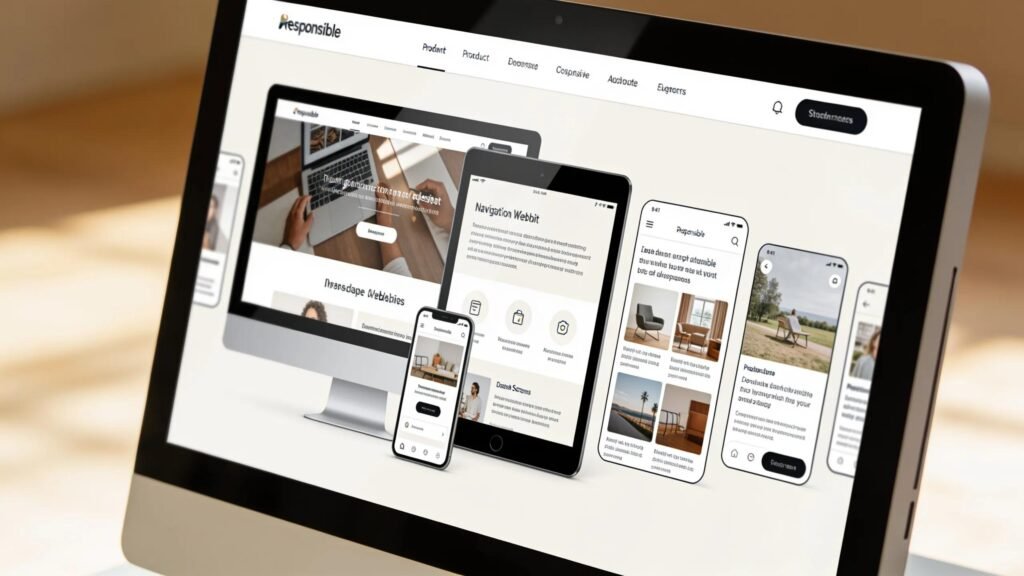
Responsive design relies on three core techniques: fluid grids to scale layout elements, flexible images that resize to their context, and CSS media queries to apply device-specific rules. Together these ensure content displays correctly and remains accessible on any device.
What Are the Key Differences Between Responsive and Adaptive Website Techniques?
Both approaches aim for cross-device compatibility but take different routes: responsive design uses fluid, resizable layouts, while adaptive design serves fixed templates matched to detected device types.
- Responsive Design: Fluid layouts that resize to fit various screens.
- Adaptive Design: Predefined layouts served for specific device classes.
Responsive design is more flexible for unpredictable screen sizes; adaptive design can be more tightly optimised for known device groups.
Which Responsive UI Best Practices Optimize User Experience Across All Devices?
Follow these practical best practices to improve mobile and cross-device usability:
- Minimise Load Times: Compress and serve appropriately sized images and streamline code to cut loading time.
- Simplified Navigation: Use clear, easy-to-use navigation patterns that work well on small screens.
- Content Prioritization: Surface the most important content first so it’s accessible without excessive scrolling.
Applying these steps reduces friction on smaller screens and supports better retention and conversions.
How Do Fluid Grid Layouts Enable Flexible, Device-Agnostic Design?
Fluid grid layouts use percentage-based widths instead of fixed pixels so elements scale proportionally. This preserves layout relationships and visual hierarchy across devices.
| Layout Component | Design Type | Impact |
|---|---|---|
| Columns | Fluid | Maintains proportion across sizes |
| Images | Flexible | Resizes based on screen context |
| Overall Layout | Fluid | Adjusts smoothly to fit varied displays |
Using fluid grids helps keep a consistent interface so the user experience stays reliable across devices.
Why Are CSS Media Queries Crucial for Device-Specific Styling?

CSS media queries let developers apply targeted styles based on device features so layout, typography, and spacing can change at defined breakpoints. They are essential for tailoring presentation to screen size and orientation.
For example, a media query can switch a multi-column layout to a single column below 600px and reduce header font sizes for readability on small devices.
How Can Responsive Design Drive Business Growth Through Enhanced Mobile Website Optimization?
Responsive design improves engagement and retention on mobile, which can increase organic traffic as search engines prioritise fast, usable mobile experiences. Better mobile usability and speed help visibility and conversions.
Partnering with specialists can further strengthen responsive capabilities and help your brand capture and retain mobile users.
What Steps Should Businesses Take to Implement and Monitor Responsive Web Design Effectively?
Key implementation and monitoring steps include:
- Adopt a Mobile-First Strategy: Design starting from mobile to ensure priorities and performance are addressed early.
- Use Performance Tools: Regularly speed-test and profile pages across devices.
- Monitor Engagement Metrics: Track device breakdowns, load times, bounce rates, and adjust based on data.
These steps help ensure your site looks good and performs well across devices, supporting measurable outcomes.
Frequently Asked Questions
1. What role does responsive web design play in SEO?
Responsive design improves the mobile user experience, reduces bounce rates, and helps site speed—factors that support search visibility. Using a single URL for all devices also simplifies indexing.
2. How does responsive design influence website load times?
By serving optimized images, efficient CSS, and adaptive resources, responsive sites can reduce payloads and render faster on mobile devices, improving perceived and measured load times.
3. What techniques can enhance the mobile user experience beyond responsive design?
Complement responsive layouts with touch-friendly controls, larger tappable targets, mobile-optimized forms, and progressive web app features for speed and offline support.
4. Can you explain the importance of testing responsive designs?
Testing across real devices and screen sizes reveals layout issues, accessibility problems, and performance bottlenecks so teams can fix them before launch and iterate improvements afterward.
5. How do analytics tools assist in monitoring responsive design effectiveness?
Analytics show load times, engagement, bounce rates, and device breakdowns so you can prioritise fixes and run A/B tests to refine the experience based on real user behaviour.
6. What are common mistakes to avoid in responsive web design?
Common pitfalls include serving oversized images, skipping real-device testing, and not prioritising critical content for small screens. Avoiding these prevents slow loads and poor accessibility.
7. Are there tools available for implementing responsive design easily?
Yes. Frameworks like Bootstrap and Foundation, Google’s Mobile-Friendly Test, and responsive themes or plugins for CMS platforms speed up development and evaluation.
Conclusion
Responsive web design keeps your site usable and visually consistent across devices, boosting engagement and supporting SEO. A mobile-first approach and proven responsive practices will improve performance and help drive growth. Explore available resources and services to optimise your site for mobile users.